How VisionLabs works, end to end
From App Store link to approved Vision Pro demos
Developers preview value before subscribing. Creators apply instead of waiting for cold outreach. Everyone stays inside one campaign workflow.
Create your campaign brief
Paste a visionOS App Store URL and preview enriched app cards with talking points.
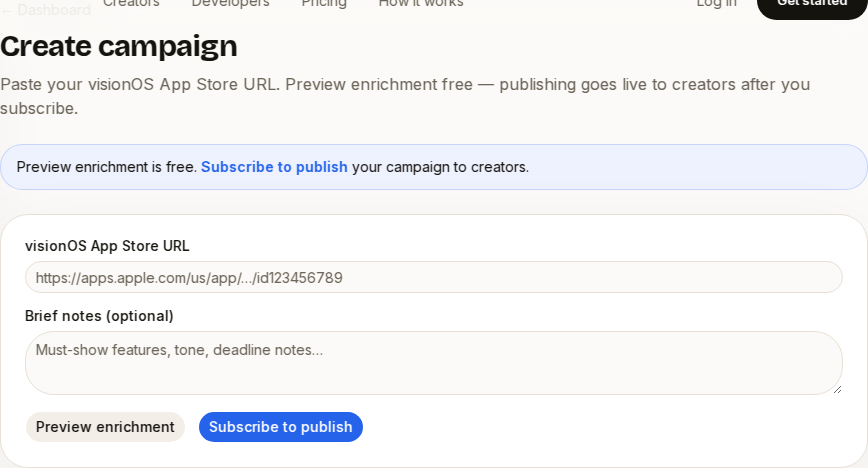
VisionLabs enriches and opens applications
Creators browse enriched campaigns, apply with a pitch, and show prior spatial work.
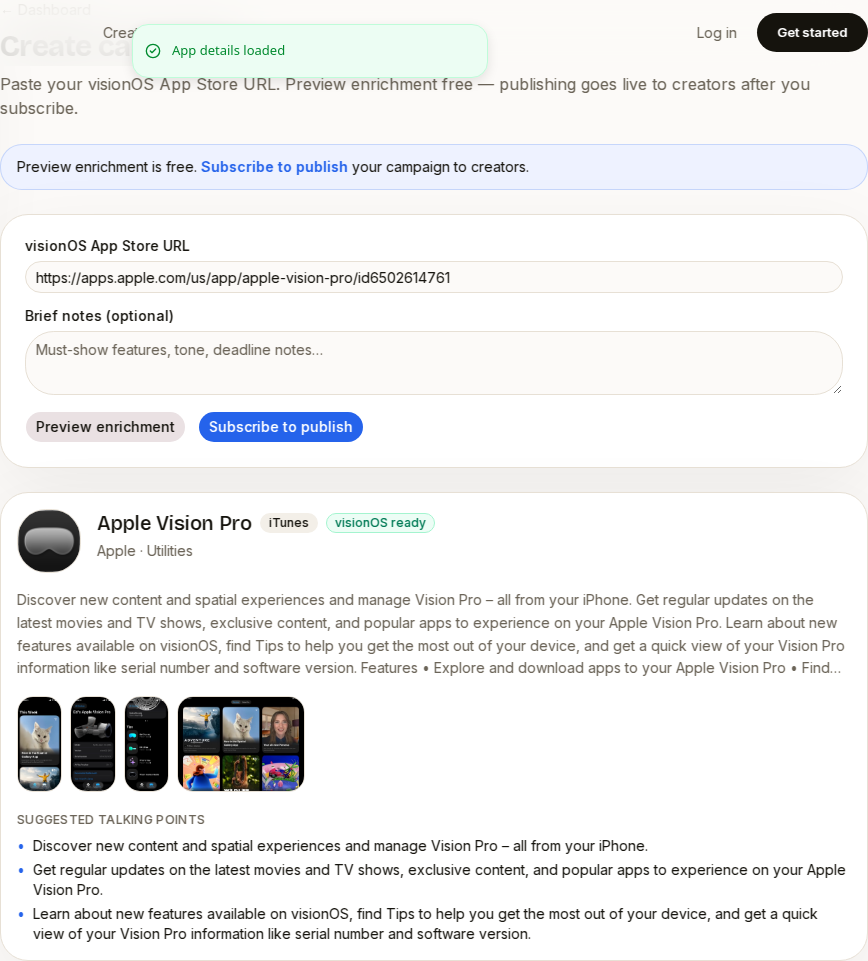
Creators record in their real space
Approved creators deliver unlisted YouTube demos with authentic headset presence.
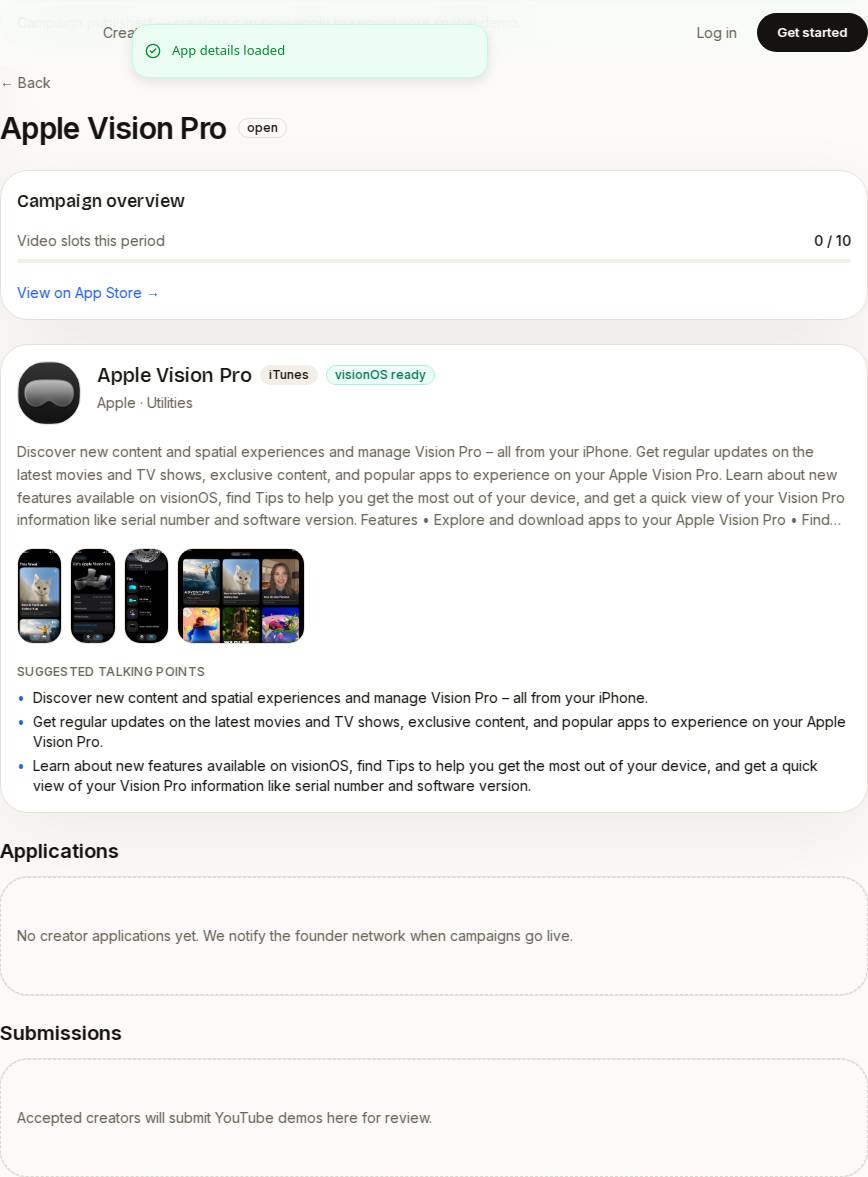
Review submissions and track slots
Approve showcase videos, request one revision, and monitor quota in one dashboard.
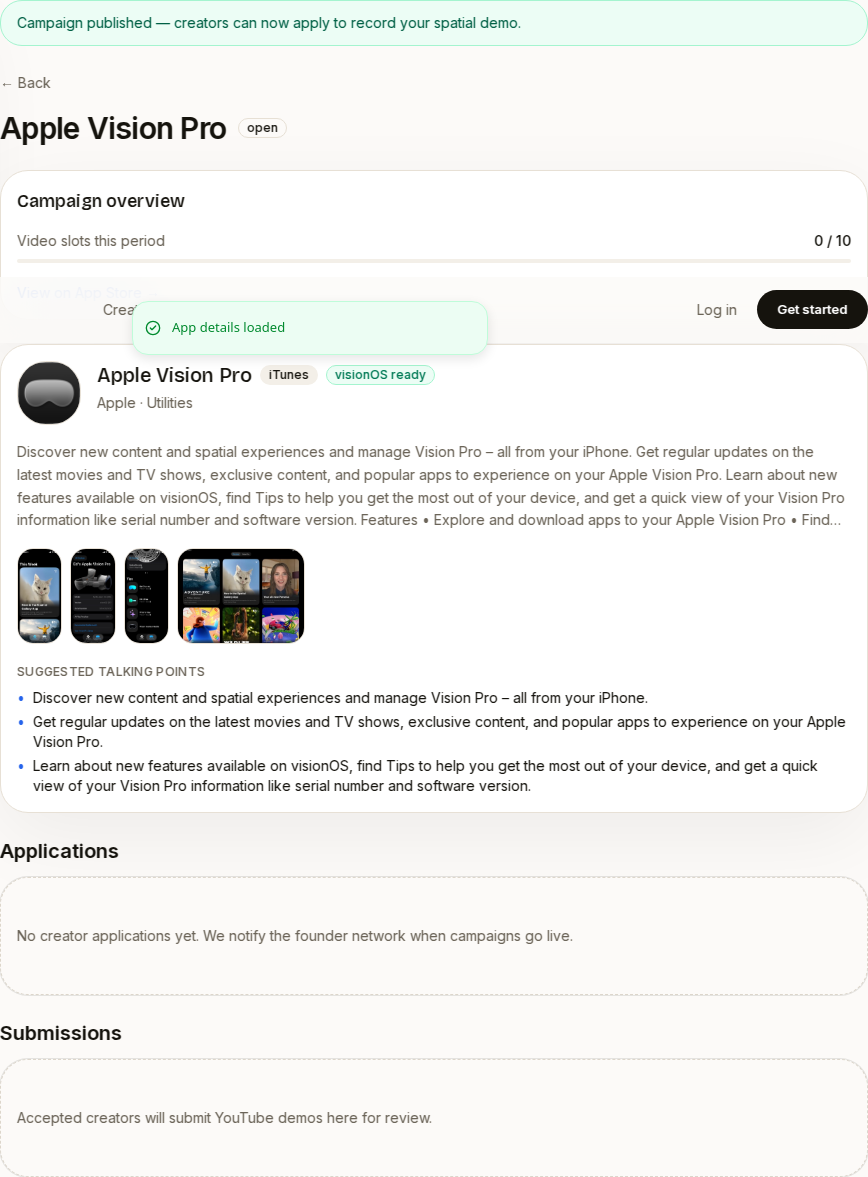
Campaigns that publish themselves
Briefs, applications, and reviews in one workflow
Preview enrichment for free, subscribe when you are ready to publish, and track creator submissions from a single developer dashboard.
Build your Vision Pro demo channel from one App Store link
Developers preview enrichment for free. Creators apply and record. VisionLabs handles the workflow between them.